Update RXV81 Remotely
For instructions on how to update the device remotely, refer to https://docs.microsoft.com/en-us/microsoftteams/devices/remote-update.
Before an update is pushed to a device, the firmware detects whether the user is using the device or not. If they are, the user is notified and given an option to delay the update or apply it, nonetheless. The feature avoids disrupting users’ ongoing activities on their devices
To ensure device integrity,
During the update, notifications are displayed, indicating the device being updated and alerting the user not to reboot.
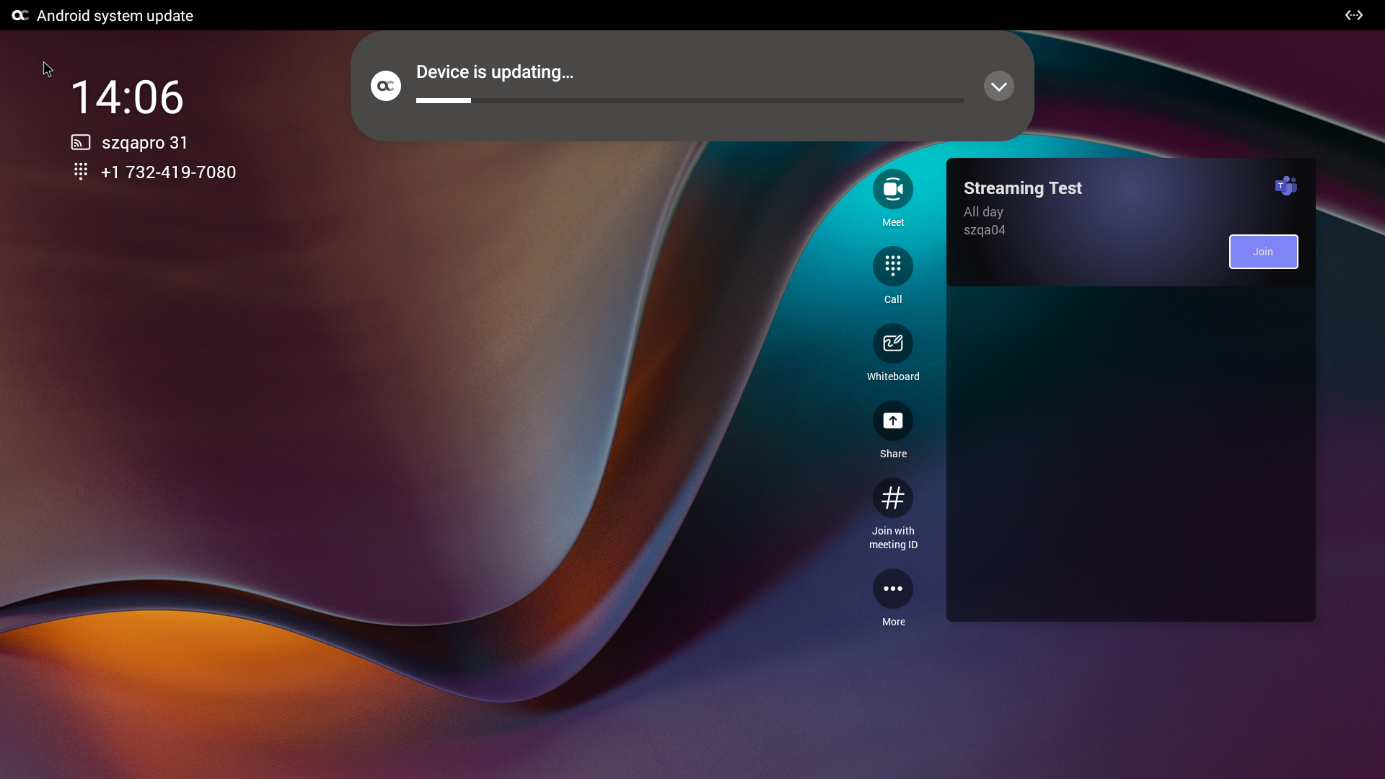




Once all devices have been updated, a "Device restarting" notification is displayed.